
 Roland DG · UV LED printers
Roland VersaOBJECT MO Series
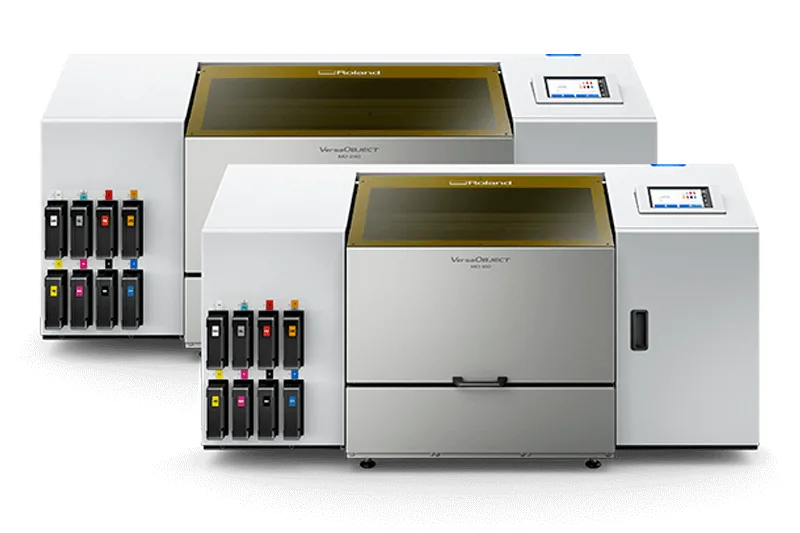
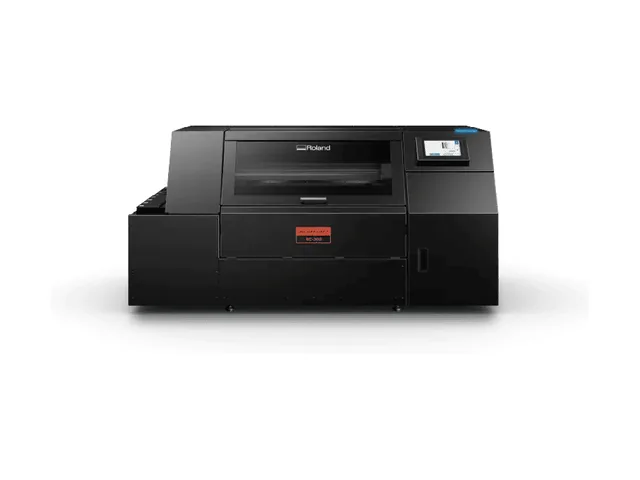
The Roland DG VersaOBJECT MO Series is a pair of UV LED flatbed printers, the MO-240 and the MO-180, for printing directly onto objects and flat materials up to 204 mm high. The MO-240 has a 610 × 458 mm print area and the MO-180 a 458 × 305 mm print area. Both run Roland’s EUV5, EUV-A or EUV-H UV inks, with a 7-inch touchscreen and VersaWorks 7 RIP software. Available from Sign to Badge Solutions.
Key features
1Up to 204 mm print height
Print onto cases, containers, keypads and other objects up to 204 mm high as standard. Distance mode printing helps you print onto irregular or curved objects.
2A2 or A3 print bed
The MO-240 prints up to 610 × 458 mm (A2 size) and the MO-180 up to 458 × 305 mm (A3 size). Objects can weigh up to 8 kg (4 kg when using the vacuum table).
3Three UV ink types
Choose versatile EUV5 for broad media compatibility, flexible EUV-A for bending and folding applications, or durable EUV-H for adhesion and resistance on rigid substrates.
4Red and orange inks
In selected EUV5 configurations, red and orange inks extend the achievable colour gamut beyond CMYK. White, gloss and primer are also available, depending on the configuration.
5Staggered printheads and vacuum bed
Large printheads in a staggered array speed up CMYK, white and special-effects printing. A vacuum bed comes as standard for thinner, more flexible materials.
6Touchscreen and VersaWorks 7
A 7-inch touchscreen runs the printer. VersaWorks 7 RIP includes automatic special colour generation and variable data printing, and the Roland DG Connect app is included.
The two models
Both models share the same 204 mm print height, ink options, 1,200 dpi maximum resolution and control panel. The main differences are the bed size and footprint.
MO-240
Print area 610 × 458 mm (A2 size); attachable objects up to 640 × 488 mm. 1,601 × 1,267 × 760 mm, 211 kg.
MO-180
Print area 458 × 305 mm (A3 size); attachable objects up to 488 × 335 mm. 1,449 × 961 × 760 mm, 174 kg.
Specifications
| Specification | MO-240 | MO-180 |
|---|---|---|
| Printing method | Piezo inkjet | |
| Maximum print area (W × L) | 610 × 458 mm | 458 × 305 mm |
| Attachable object size (W × L) | 640 × 488 mm | 488 × 335 mm |
| Maximum object thickness | 204 mm | |
| Maximum object weight | 8 kg (4 kg when using the vacuum table) | |
| Print speed (standard mode, as listed by Roland DG) | Up to 2.39 m²/h | Up to 1.90 m²/h |
| Ink types | EUV5, EUV-A or EUV-H, 750 ml pouches | |
| EUV5 configurations | 8 colours (CMYK, gloss, white, orange, red); 7 colours (CMYK, white, orange, red) + primer; 7 colours (CMYK, gloss, white, red) + primer; 7 colours (CMYK, white × 2, orange, red); 6 colours (CMYK, gloss, white × 2) + primer; 6 colours (CMYK, gloss × 2, white × 2); 4 colours (CMYK × 2) | |
| EUV-A configuration | 6 colours (CMYK, gloss × 2, white × 2) | |
| EUV-H configurations | 6 colours (CMYK, gloss, white × 2) + primer; 6 colours (CMYK, gloss × 2, white × 2) | |
| Ink curing | Built-in UV-LED lamp | |
| Maximum resolution | 1,200 dpi | |
| Control panel | 7-inch touchscreen | |
| Connectivity | Ethernet (100BASE-TX/1000BASE-T, automatic switching) | |
| Power-saving | Automatic sleep | |
| Rated input | 100–240 V AC, 50/60 Hz, 3.5 A | |
| Power consumption | Approx. 290 W operating; 70 W sleep | |
| Noise level | 60 dB(A) or less operating; 49 dB(A) or less standby | |
| Dimensions (W × D × H) | 1,601 × 1,267 × 760 mm | 1,449 × 961 × 760 mm |
| Weight | 211 kg | 174 kg |
| Operating environment | 20–32 °C, 35–80% RH, no condensation | |
| Software | VersaWorks 7 RIP and the Roland DG Connect app | |
| Included items | Power cord, cleaning liquid, drain bottle, user’s manual and software | |
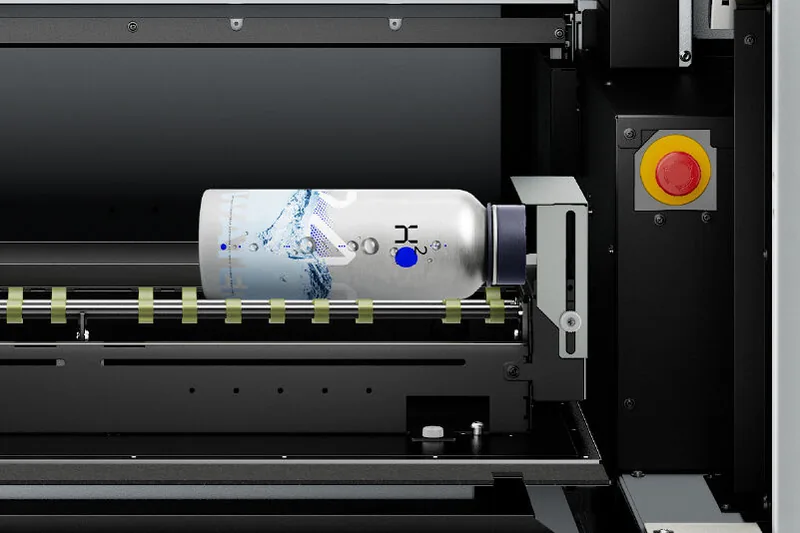
| Option | Rotary axis for bottles and other cylindrical items 10–121 mm in diameter and 30–540 mm long | |
| Warranty | 3 Year Heads N’ All Warranty (as listed by Roland DG Australia) | |
These are the manufacturer’s specifications, summarised from Roland DG Australia’s VersaOBJECT MO Series product page and data sheet, and are subject to change by Roland DG. Print speeds are Roland’s standard-mode figures and will vary with the job, ink configuration and print mode. Ask us to confirm the configuration and options for your work.
What else you’ll need
Roland lists the following for setting up an MO Series printer.
Floor or bench space
The MO-240 measures 1,601 × 1,267 × 760 mm and weighs 211 kg; the MO-180 measures 1,449 × 961 × 760 mm and weighs 174 kg. Plan the space and delivery route.
A controlled room temperature
Roland specifies 20–32 °C and 35–80% relative humidity, with no condensation.
An ink type and configuration
The ink type (EUV5, EUV-A or EUV-H) and colour configuration are chosen for your applications and materials. Talk to us about which suits your work.
Jigs and workflow software
Roland notes set-up improvements for switching between products and jigs. Its PrintAutoMate software maps print output onto objects held in a printing jig.
Where the MO Series fits

UV flatbed printing for objects and panels
UV LED printers jet ink that is cured on the material by an ultraviolet LED lamp, so you can print directly onto rigid objects and flat materials rather than onto a transfer or label.
The MO Series offers three Roland UV ink formulations: EUV5 for broad media compatibility, EUV-A for flexible applications that bend and fold, and EUV-H for adhesion and resistance on rigid substrates. Distance mode helps with irregular and curved objects, the vacuum bed holds thinner, more flexible materials, and the optional rotary axis adds bottles and other cylindrical items.
Suited to:
- Control panels
- Nameplates
- Keypads
- Phone cases
- Cases and containers
- Golf balls
- Bottles and cylindrical items
More UV LED printers
Compare the other UV LED printers available from Sign to Badge Solutions.
Direct Color Systems
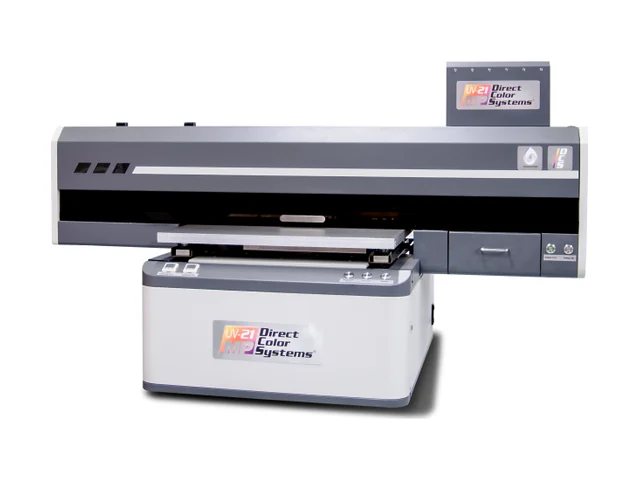
UV-21MP Small Format
Small-format UV LED flatbed with a 7-inch (18 cm) material height and an integrated vacuum table.
View product - Direct Color Systems UV-21MP Small FormatDirect Color Systems
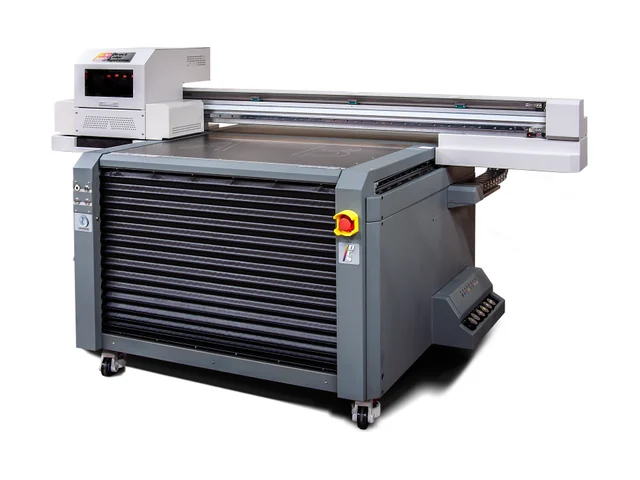
UV-32MP Intermediate Format
Intermediate-format UV LED flatbed with a 60 x 90 cm print area and a descending table for thicker items.
View product - Direct Color Systems UV-32MP Intermediate FormatDirect Color Systems
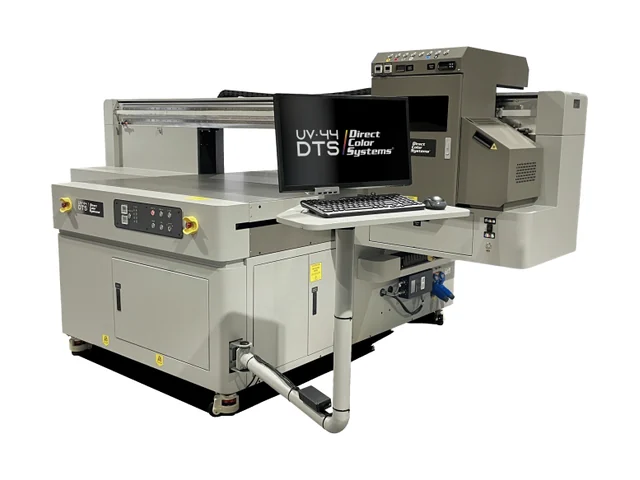
UV-44DTS Medium Format
Medium-format UV LED flatbed with Ricoh Gen 6 printheads and a 12-inch (30 cm) material height.
View product - Direct Color Systems UV-44DTS Medium FormatDirect Color Systems
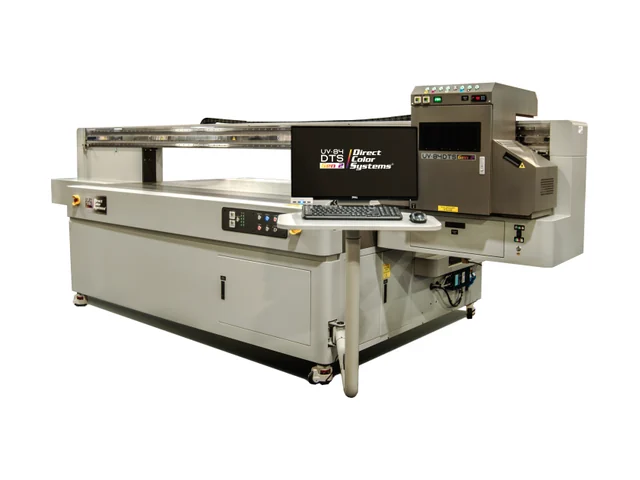
UV-84DTS Gen2 Large Format
Large-format UV LED flatbed with Ricoh Gen 6 printheads and a 12-inch (30 cm) print height.
View product - Direct Color Systems UV-84DTS Gen2 Large FormatEpson
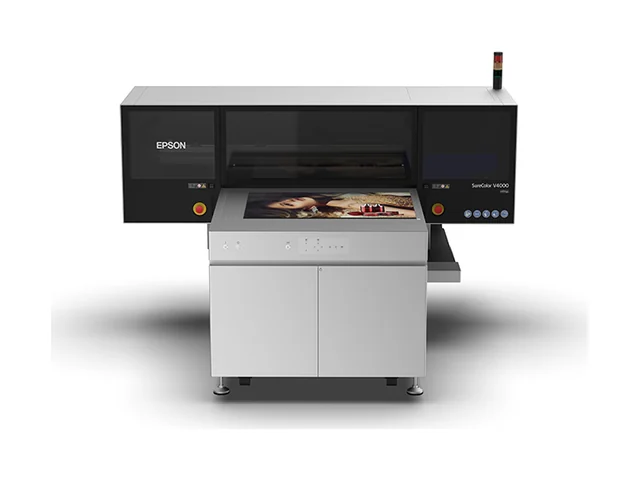
SureColor V4000
Compact A1+ UV flatbed for substrates up to 980 x 700 mm and 200 mm thick.
View product - Epson SureColor V4000Roland DG
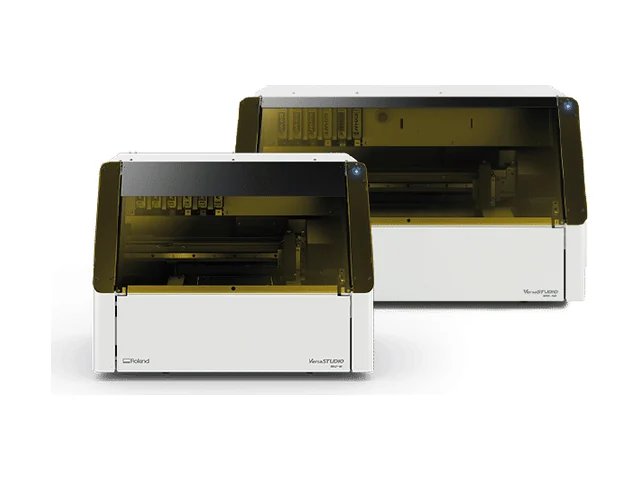
VersaSTUDIO BD Series
Desktop UV flatbed printers (BD-8 and BD-12) for objects up to 102 mm high, with a built-in fume extractor.
View product - Roland DG VersaSTUDIO BD SeriesRoland DG
VersaObject RC-300
UV helical printer for cylindrical, tapered and curved-profile objects such as bottles and drinkware.
View product - Roland DG VersaObject RC-300
Interested in the Roland VersaOBJECT MO Series? Tell us what you want to print and we’ll help you choose between the MO-240 and MO-180 and the right ink configuration.
Request a Quoteor call 07 3412 0285